
Less busywork. More life.
Alfred AI keeps your real estate business moving.
ButlerOne connects everything he needs to do it.
The second shift
You worked all day. Your evening shouldn’t be another shift.
The appointments are over. The computer work isn’t. A follow-up, a missing file, one more update. Together, they can become another evening of catching up.
The follow-up
The client you promised to call after the showing.
The update
The transaction that needs one more email, file or answer.
The catch-up
The tabs you open just to work out what still needs you.
A day with Alfred
You’re out doing real estate. Here’s what Alfred did for you.
Choose a walkthrough to explore a fictional example.
You’re with clients. Alfred keeps the conversations going.
- 1The conversation
- 2Alfred responds
- 3Your workspace

Alfred
Chief of Staff
Alfred has an update
I contacted 25 leads through your AI nurture program today. Three replied: Jamie wants a Saturday tour, Morgan is ready to talk about selling, and Taylor wants to reconnect next month.
Illustrative connected-day preview
You’re out showing properties.
Follow a sample day from the first buyer email to the decisions waiting for your review.
Illustrative incoming request
A buyer-tour email arrives
Alfred identifies the client’s email asking to tour homes.
Prepared · approval needed
The tour comes together
Alfred assembles the proposed tour and asks whether to request appointments with the listing agents. No appointments are scheduled in this preview.
Agent goes on tour
You head out with your clients
You stay focused on the properties and the people in front of you.
Fictional nurture illustration
Two leads surface
With a preapproved nurture program and scoped consent, Alfred could surface two interested replies. This is an illustrative count, not live outreach or verified results; without approval, outreach stays prepared.
Proposed change · review needed
A closing-date update arrives
Alfred flags the email and prepares the proposed record update for review.
Just listed draft · approval needed
Your listing goes live today
Alfred prepares a just listed post for review. Nothing is scheduled or published without the agent’s approval.
Your Alfred briefing
Prepared in this illustration
- A proposed buyer tour from the email request.
- A closing-date update to review.
- A just listed post draft.
- Two fictional interested replies under a preapproved nurture program.
Needs your approval
- Request showing appointments with listing agents.
- Apply the proposed closing-date change.
- Schedule or publish the listing post.
- Approve outreach if a consented nurture program is not already enabled.
Illustrative example; connected tools and your approvals apply.
One connected business
Your business, your clients and your team—all in one place.
Your CRM and transactions connect to the places your clients and partners use every day.
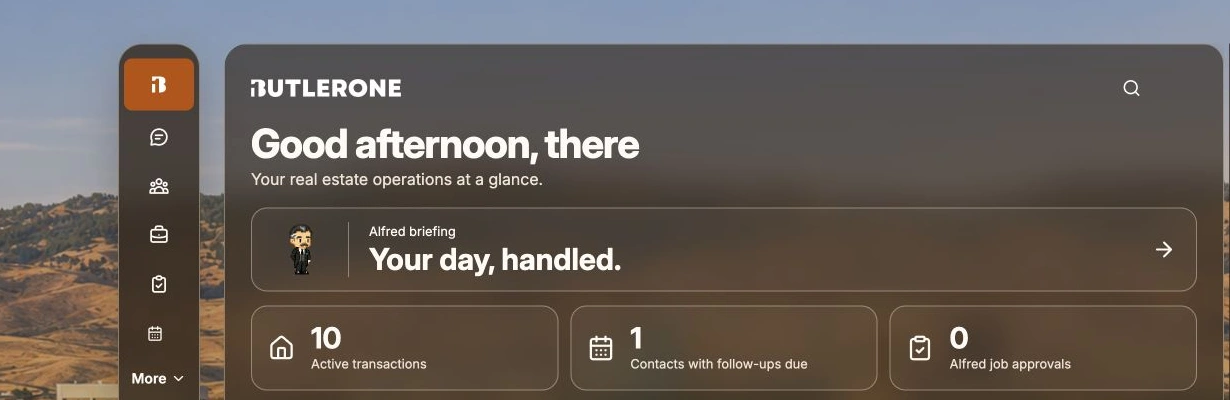
Your day. Your deals. Alfred in your pocket.
Illustrative app views · Fictional data
Explore examples of your daily work and recurring routines. These are interactive illustrations, not app screenshots. Changes stay in this example.
AFTERNOON BUSINESS REVIEW
One blocker. The context is already here.
NEEDS ATTENTION
Maple Lane · Inspection follow-up
The review task is overdue. The required inspection report is not in the transaction documents.
- Owner:
- Jordan Lee
- Due:
- Yesterday, 3 PM
HANDOFF ACCEPTED
Cedar Court · Buyer consultation
Taylor acknowledged the preparation task this morning. The owner, next step and due date are saved together.
Picked up · Due tomorrow, 10 AM
Make room for your life